Pass4Wallet Not Working? What Happened and 5 Alternatives to Use Instead
New pass creation in Pass4Wallet appears unavailable. App Store and Reddit users reported the same service-connection failure from April through July 2026.
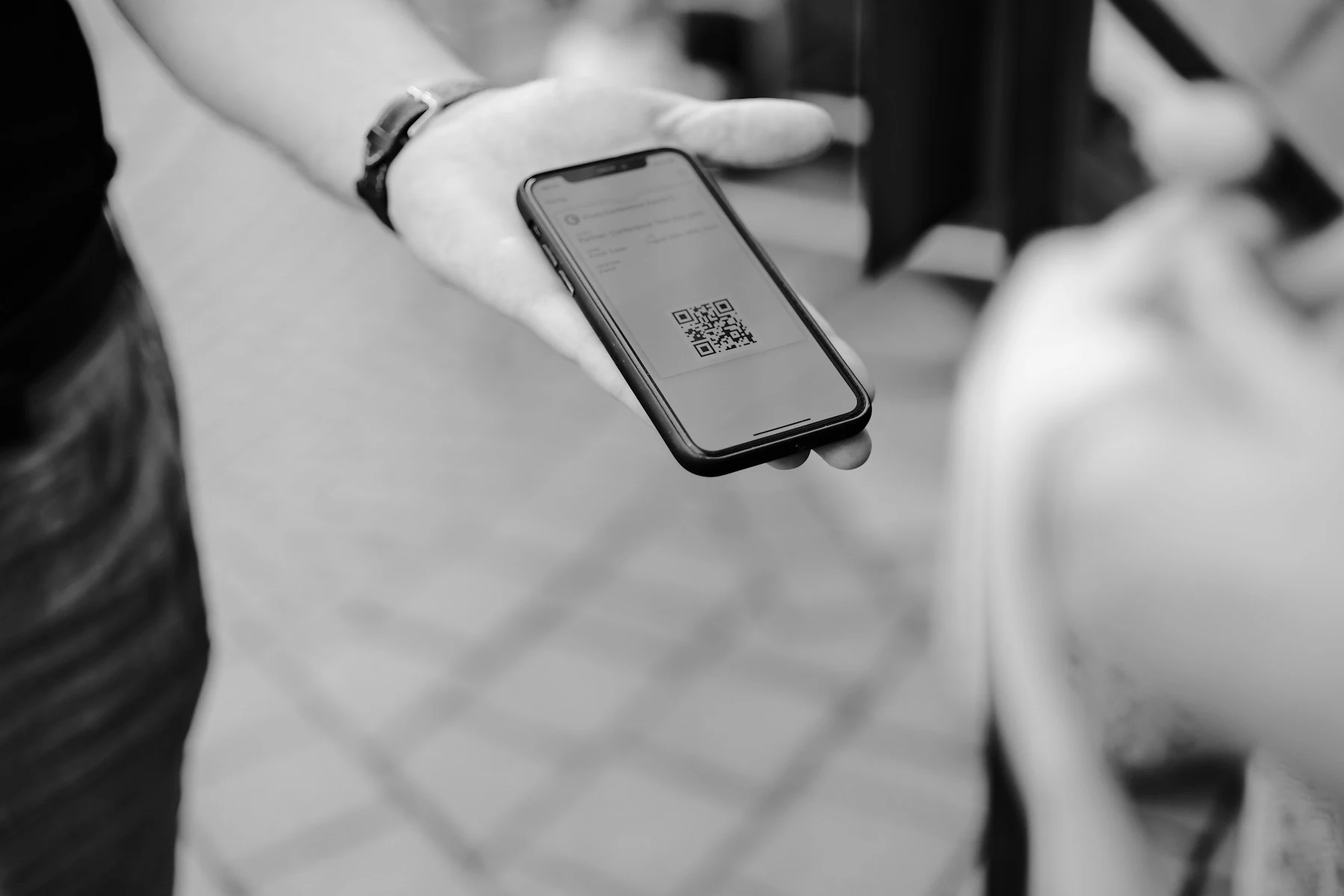
Keep any old Pass4Wallet pass that still scans. For a free browser-based recreation, try WalletWallet. Choose IntoWallet if you want an editable native iPhone and iPad library.
What happened
The failure appears to be on Pass4Wallet’s side
On April 28, a user in the Apple Wallet subreddit reported that Pass4Wallet had already been failing for weeks with an “unable to connect” message. Other users reported the same final-step error through June and July, across different networks. Read the Reddit thread.
App Store reviews match that account. Users say the app can scan or enter a barcode but fails when it tries to create the signed Wallet pass. Later reviews say support emails bounce and the developer domain no longer resolves. See current Pass4Wallet reviews.
A similar complaint in April 2025 received a developer reply and a fix. The 2026 reports have not received a public fix.
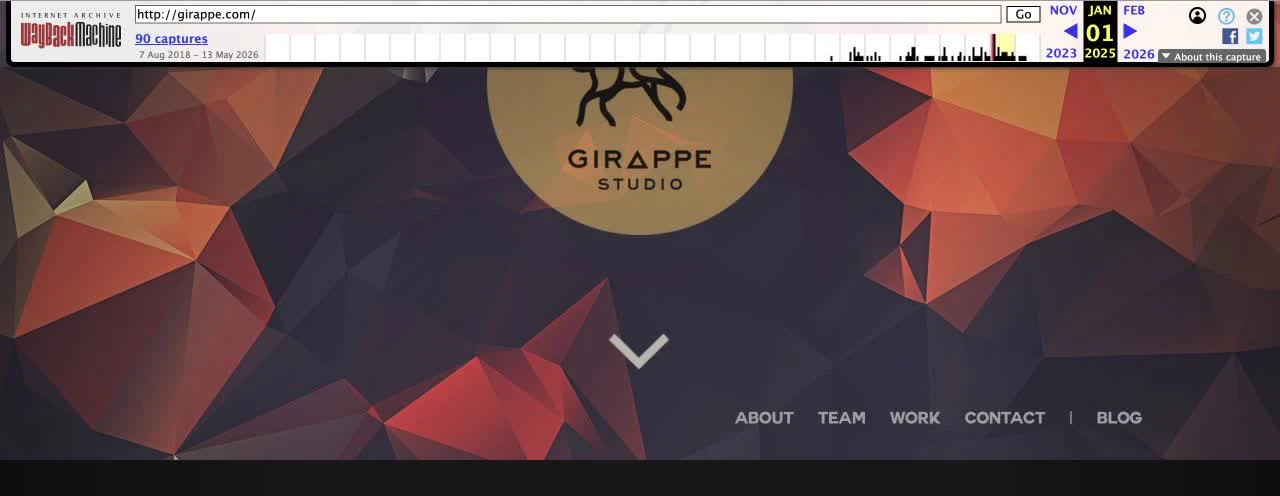
January 1, 2025
GirAppe Studio’s website is still online
The archived homepage presents GirAppe as an iOS development and design studio and lists its team and contact address. View the capture.
April 16, 2026
The same domain redirects to a generic lander
The April capture no longer serves Pass4Wallet and redirects to a generic lander. View the capture.
April to July 2026
Independent connection reports accumulate
Reddit and App Store users report that pass setup works locally but saving to Apple Wallet fails.
August 4, 2026
The developer domain still does not resolve
Our DNS check returned no usable address for girappe.com. This check did not include a new pass-creation test.
/lander. Screenshot via the Internet Archive.
Domain evidence
Was Pass4Wallet’s domain hijacked?
We cannot verify a hijack from public records. The developer domain now points at a2.share-dns.com and b2.share-dns.net. Those nameserver domains are operated by Gname. See the DNS operator record.
Gname is not listed as GirAppe’s registrar. Network Solutions is. The current registry record shows that the domain was created on April 10, 2016, expires on April 10, 2027, and was last changed on May 21, 2026. Those dates show a registry change near the outage, but they do not reveal ownership history or explain what happened. Inspect the registry record.
The strongest explanation is a backend outage that coincided with the loss of GirAppe’s website and DNS resolution. Public evidence does not show whether Pass4Wallet’s signing endpoint used that domain or whether the domain failure caused the outage. Calling the event a confirmed hijack would go beyond the evidence.
Decision table
Five current Pass4Wallet alternatives
This comparison covers personal loyalty, membership and barcode cards. We list WalletWallet first for quick browser recreation, not as a universal winner. The important differences are where you start, whether the tool keeps an editable library, and what service it needs to sign a pass.
| Alternative | Best for | Starting material | Saved library | Service dependency | Price and platform | Migration |
|---|---|---|---|---|---|---|
| WalletWallet Best free web option | A quick browser-based recreation | Camera, image, screenshot or manual code | No saved editable library | WalletWallet signing and API service | Free · Web | Manual recreation |
| IntoWallet Closest native replacement | An editable native pass library | Camera, photos, files and PDFs | Yes, with iCloud sync | Developer-disclosed signing server | Free; $2.99 lifetime · iPhone, iPad | Recreate from source material |
| Pass2U Wallet Best template library | Templates and retail barcode workarounds | Camera, photos and templates | Yes, with backup | Not disclosed in App Store listing | Free; $2.99 Pro · iPhone | Recreate with a template or barcode workaround |
| MakePass Best advanced editor | Mac, Shortcuts and existing-pass import | Images, PDFs, camera, files or Wallet pass | Yes, editable workflow | Standard work on-device; requested AI input is processed | Free download; Pro $9.99/year; Ultra $16.99/year · iPhone, iPad, Mac | Can start from an existing Wallet pass |
| PassX Best simple iPhone app | A lightweight native pass library | Camera or photo library | Yes, grouped passes with iCloud backup | Not disclosed in App Store listing | Free; optional tips · iPhone | Manual recreation |
WalletWallet is the best first option for a free browser-based recreation. IntoWallet is better for an editable native library, Pass2U for templates and unsupported-barcode image workarounds, MakePass for Mac, Shortcuts and existing-pass import, and PassX for a simple native library. None can restore a Pass4Wallet pass’s original update connection.
Choose by workflow
Five alternatives by use case
WalletWallet: best free, quick web option
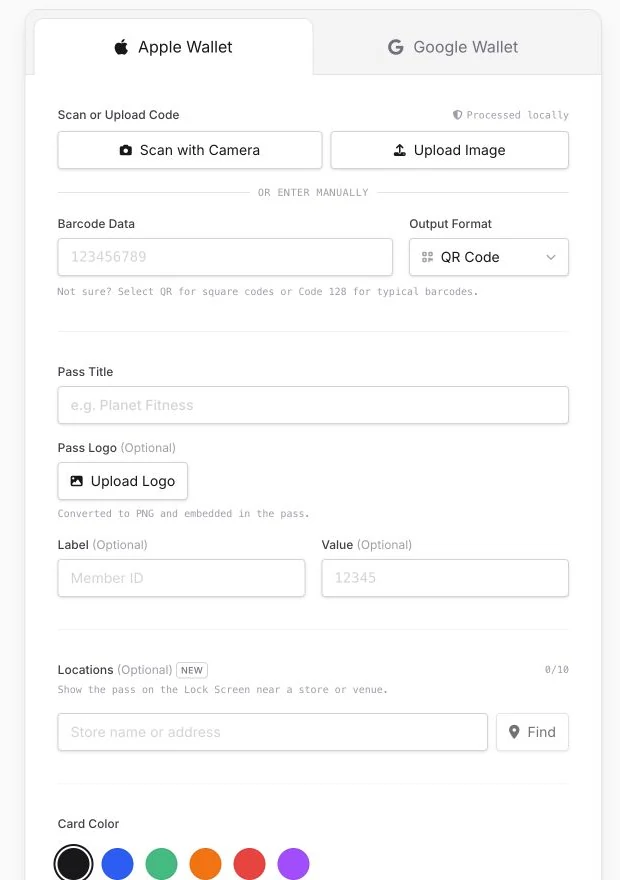
Choose WalletWallet when you have a physical card, screenshot, barcode number or QR code and want one Apple Wallet pass without an app or account. You can scan with the camera, upload an image, enter the code manually, customize the pass, add up to ten relevant locations, and choose a 30-, 90- or 365-day expiration period.
WalletWallet is a generator, not a replacement for Pass4Wallet’s local library. It does not save an editable collection, and created passes do not have ongoing updates or notifications. New passes also depend on WalletWallet’s production signing and API service. If you manage many passes over time, IntoWallet or MakePass is a better fit.
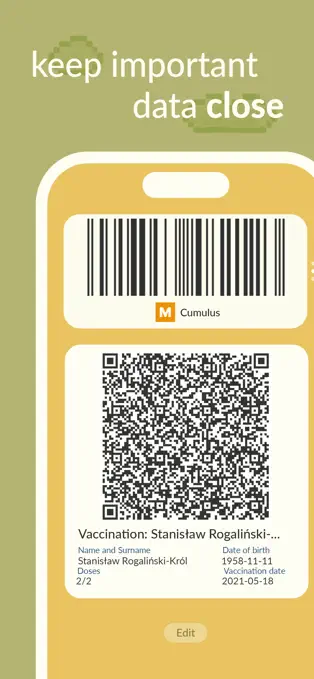
IntoWallet: closest native replacement
IntoWallet is the closest fit if you used Pass4Wallet as a native library. It imports from the camera, photos, files and PDFs, extracts logos and colors, supports up to ten locations, and syncs its editable collection through iCloud. The basic app is free and the current US listing offers a $2.99 lifetime unlock.
IntoWallet sends what its developer describes as meaningless pass metadata to a server for cryptographic signing, so it is not immune to every backend outage. It is also English-only. View IntoWallet in the App Store.
Pass2U Wallet: best for templates and barcode workarounds
Pass2U is one of the alternatives repeatedly suggested in the outage thread. It combines scanning, photos, a public template library, location and date relevance, and pass backup. For retail formats that Apple Wallet does not support natively, its current compatibility path can place EAN-13, UPC-A and similar codes into the strip image.
The trade-off is a denser interface with advertising. Its App Store privacy label says browsing history may be used for tracking and third-party advertising. The app is free and Pro is $2.99. View Pass2U in the App Store.
MakePass: best advanced editor and import path
MakePass is the strongest fit for Mac users, Shortcuts automation and people who can start from an existing Wallet pass. It also accepts images, PDFs, camera input and saved files. Standard editing is described as on-device, while requested AI features send the relevant input for processing.
The free download is an entry point. The current US listing shows Pro at $9.99 per year and Ultra at $16.99 per year, with images, barcodes, relevancy, AI and automation divided across tiers. View MakePass in the App Store.
PassX: best simple iPhone app
PassX creates passes from the camera or photo library, groups them locally, backs them up with iCloud, and offers biometric protection. The app is free, with optional support tips. Its App Store privacy label says the developer does not collect data.
It has a shorter track record, does not list location reminders, and a reviewer reports that it can read EAN-13 but cannot output that format as a native pass barcode. Verify your real scanner before deleting an old pass. View PassX in the App Store.
What about Apple’s Create a Pass feature in iOS 27?
A native option is coming, but it is not the dependable answer today.
Apple previewed custom pass creation for iOS 27. It may remove the need for third-party tools in simple QR-code and membership-card cases, but iOS 27 is still beta software, Apple says features are subject to change, and public availability is expected in fall 2026.
Read Apple’s announcement or our iOS 27 Create a Pass explainer.
Safe migration
How to move away from Pass4Wallet without losing a card
- 1. Keep a working old pass. Do not delete it until its replacement has scanned successfully.
- 2. Capture the source. Save the barcode, visible number, name, colors, logo, expiry and any location settings from the old pass or physical card.
- 3. Recreate the card. Use the physical card, screenshot or code in the replacement tool. A recreated pass copies visible text and barcode data. It does not inherit Pass4Wallet’s signing identity, update connection, grouping, push notifications or revocation state.
- 4. Test the real scanner. A visually correct barcode can still be rejected if the format, encoded value or merchant system differs.
Static loyalty and membership barcodes will often remain visible and scannable while the app service is offline. Dynamic, rotating, expired, revoked or server-validated credentials may stop working. Replace those through the original issuer when possible.
Troubleshooting
Pass4Wallet not working: questions and answers
Is Pass4Wallet down?
New pass creation appears unavailable based on repeated App Store and Reddit reports from April through July 2026. On August 4, we confirmed that the developer domain still did not resolve. The app remains listed in the App Store.
Why is Pass4Wallet not working?
The app appears to fail when it reaches the service that creates the signed Wallet file. A backend outage coincided with the loss of the developer website and DNS resolution, but public evidence does not prove that the domain failure caused the outage.
Was the Pass4Wallet domain hijacked?
There is not enough public evidence to call it a hijack. The domain stopped serving the developer site and now uses Gname-operated DNS, but only the developer, account holder or registrar could confirm whether this was an ownership change, DNS change or compromise.
Will existing Pass4Wallet passes still work?
Static loyalty and membership barcodes will often remain visible and scannable. Dynamic, rotating, expired, revoked or server-validated credentials may stop working and should be replaced through the original issuer when possible.
Can reinstalling Pass4Wallet or changing networks help?
Probably not. The same final-step error has been reported across different users and networks, which points to a service-side problem rather than an iPhone, Wi-Fi or VPN issue.
What is the best Pass4Wallet alternative?
WalletWallet is the best first option for a free browser recreation. IntoWallet is better for an editable native library, Pass2U for templates and barcode workarounds, MakePass for advanced editing and import, and PassX for a simple native library.
Can a replacement preserve Pass4Wallet updates?
No. A recreated pass is a separate pass with a different signing identity. It cannot inherit Pass4Wallet update connections, push notifications, grouping or revocation state.
Sources and scope
We checked public outage reports, archived GirAppe pages, DNS and registry records, current US App Store listings, and WalletWallet’s current product code on August 4, 2026. We did not install every paid tier, and current availability is not a guarantee that another service can never fail.
WalletWallet publishes this comparison and ranks its own product first for one specific job: quick, free browser recreation. The ranking changes when a saved library, existing-pass import, Mac editing or template support matters more.
Need a replacement pass now?
Recreate a personal barcode card in your browser, then test it before removing the original.